Need help with Vuukle?🤔
This is the place you are looking for!
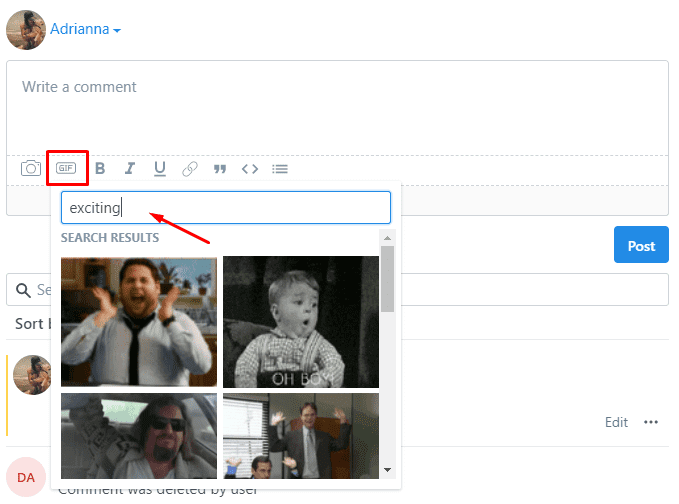
1. Click the GIF icon on the tool bar found on the comment widget.
- Type in a keyword to search for a gif you want to add on your comment
- Then select the GIF you want to add
2. Enter a comment or just hit post
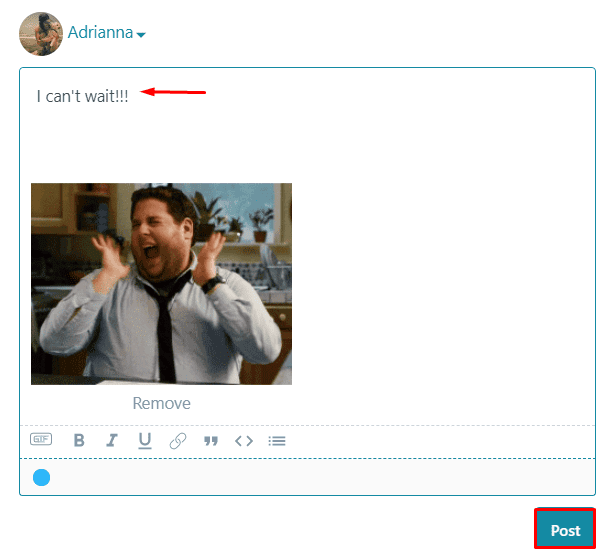
3. That’s it! You’re Done!

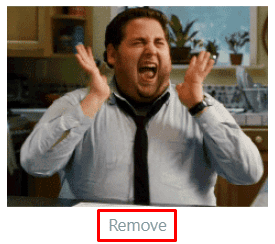
To remove or change the GIF, click “Remove” then click the GIF icon once again to select a new GIF