Need help with Vuukle?🤔
This is the place you are looking for!
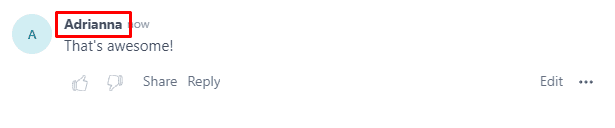
A display name is the name that appears whenever you submit a comment. You can change this by logging into your Vuukle account.
- Log in to your Vuukle account
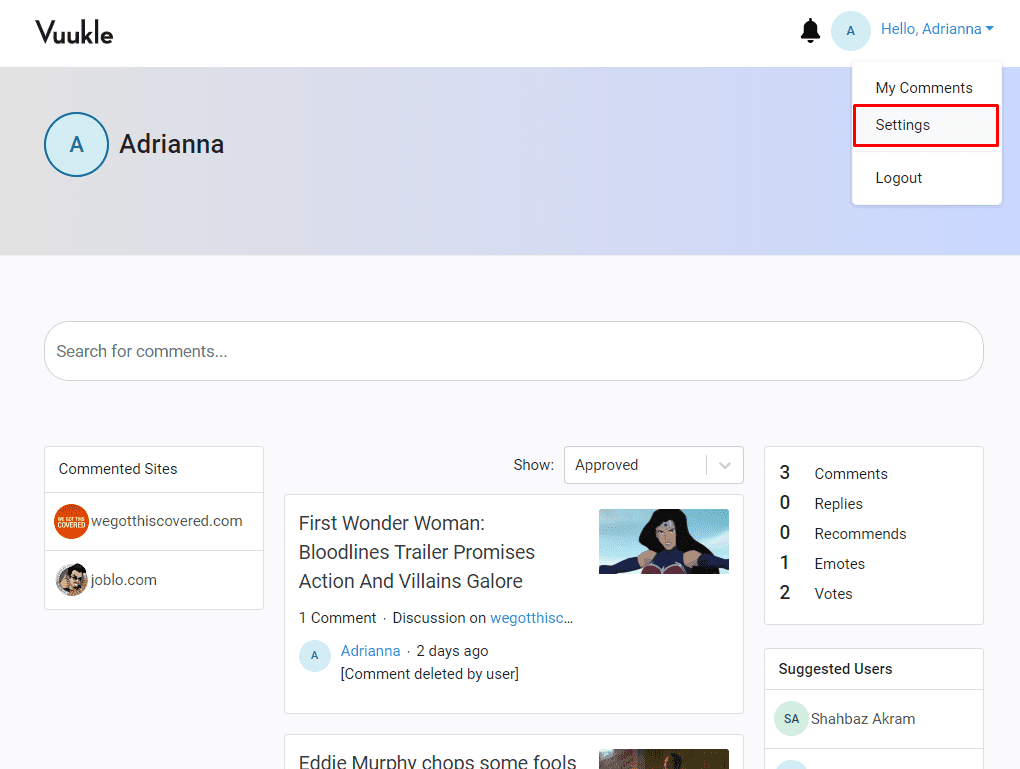
- Select “Settings” from the Avatar dropdown at the top right corner of the page
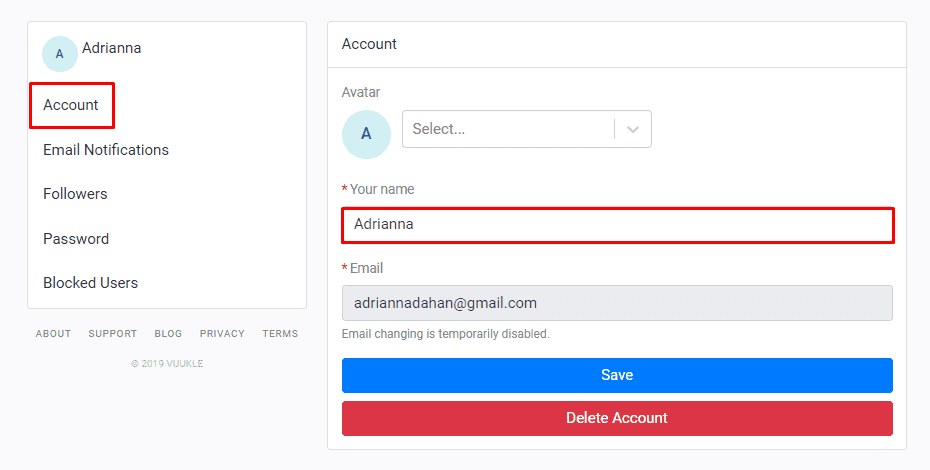
- Click the “Account” tab from the left hand panel
- Enter the name you want to be displayed on the “Your Name” field
- Click save
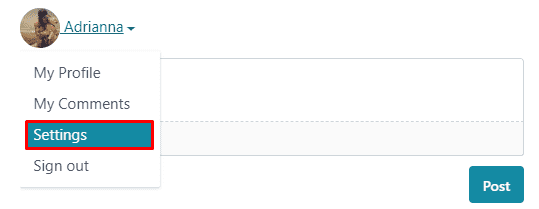
Alternatively, you can also access your account through the comment widget
Related Articles: