Need help with Vuukle?🤔
This is the place you are looking for!
Log in to your Vuukle account to change your password
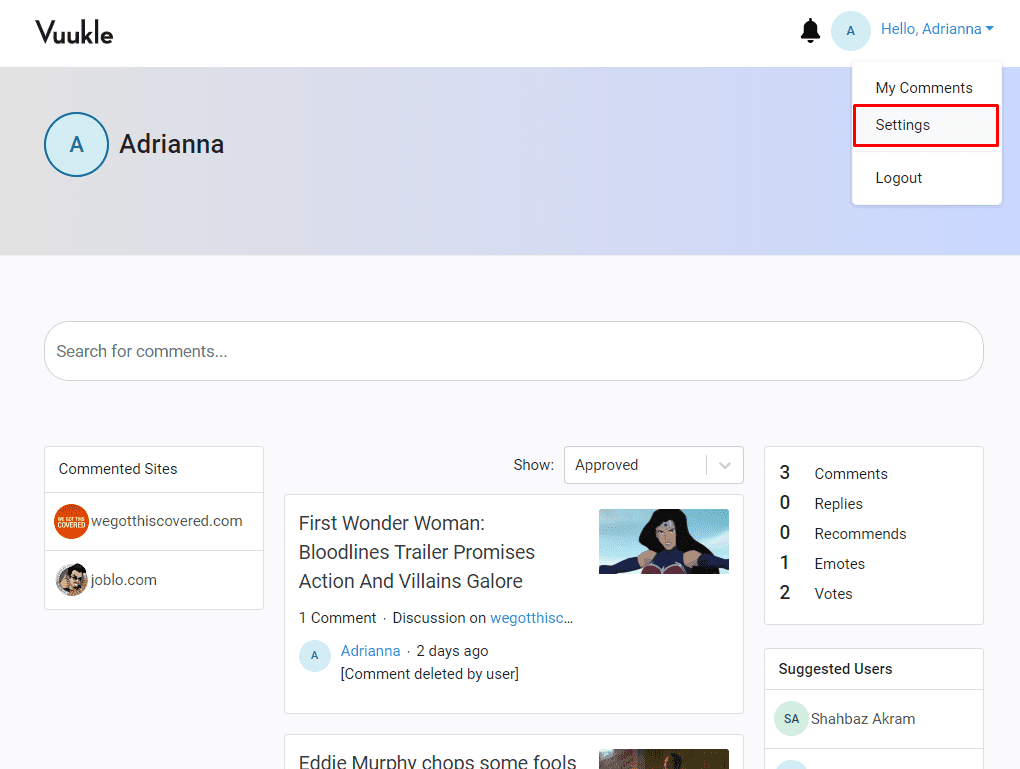
- Log into your Vuukle Account
- Then click “Settings” from your Avatar dropdown at the top right corner of the page
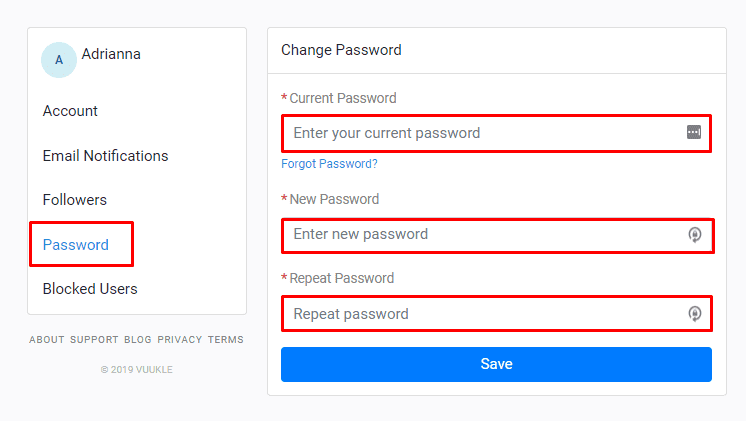
- Click the “Password” tab, then enter your current password and the new password
- Enter the new password again on the “Repeat” field to reconfirm it
Related Article: How do I log in to my commenter account?
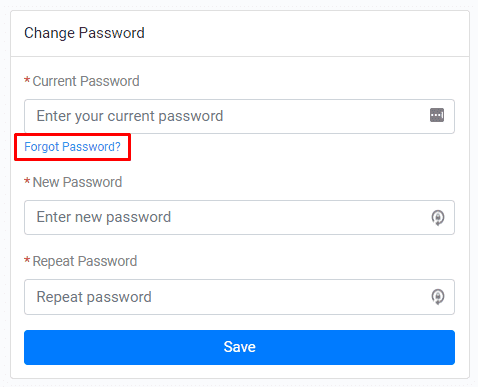
What if I don’t know what my password is?
Click the “Forgot Password” link right below the current password field. Click here for the tutorial