Need help with Vuukle?🤔
This is the place you are looking for!
There a couple of ways to sign-up for a Vuukle commenter account. You can sign up as you submit a comment or you can go to the Vuukle sign-up page.
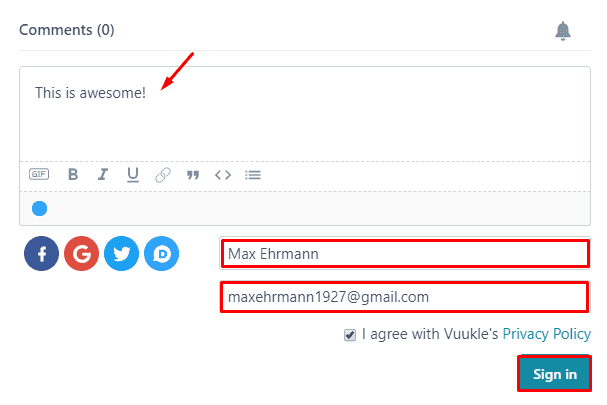
Sign-up with an Email Address on the Comment Widget
- Enter your comment
- Enter your name and email address
- Click the sign-in button
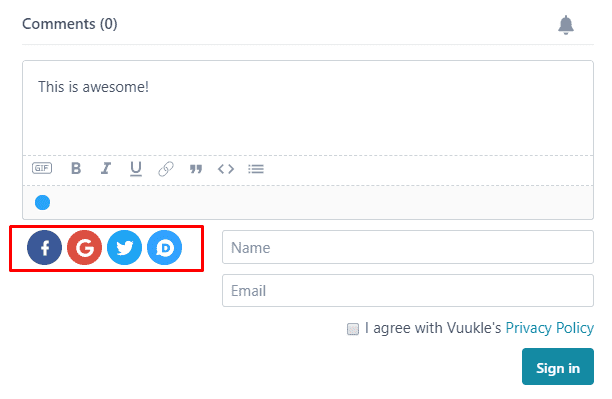
Sign-up with a Social Media Account on the Comment Widget
Alternatively, you can sign-up with your Facebook, Google, Twitter, or Disqus account. Just click the the social media icon you want to use to sign-up.
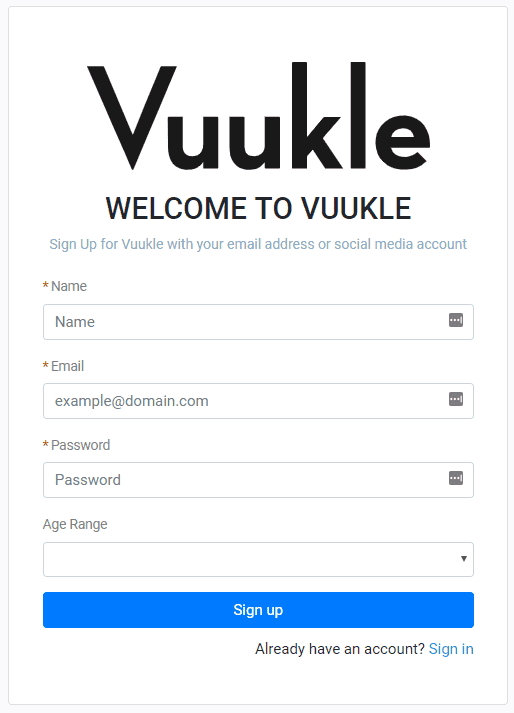
Sign-up on the Vuukle’s Sign-up Page
Go to https://news.vuukle.com then click the Sign up link at the bottom of screen.
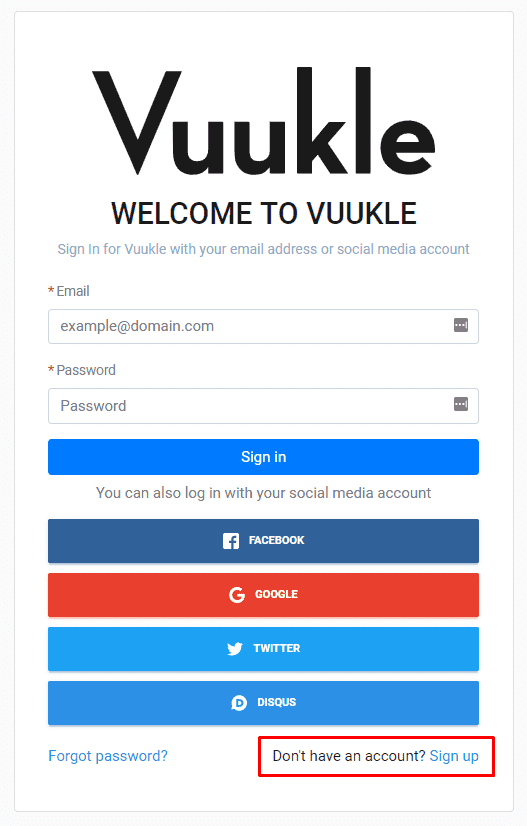
Enter your name, email address, and a password, then click Sign up.
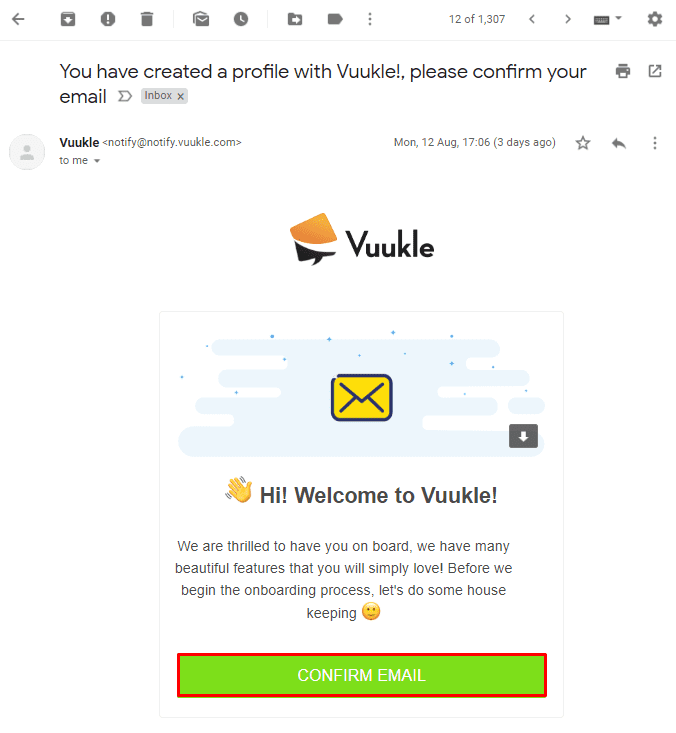
Don’t Forget to Confirm Your Email
After creating your account, check your inbox for the confirmation email. Click the button to confirm your email and you’re all set!