Need help with Vuukle?🤔
This is the place you are looking for!
The avatar is the image that appears alongside your comment. You can change the image by logging into your Vuukle account.
If you are logging in using social networks like Google or Facebook we will automatically fetch your avatar.
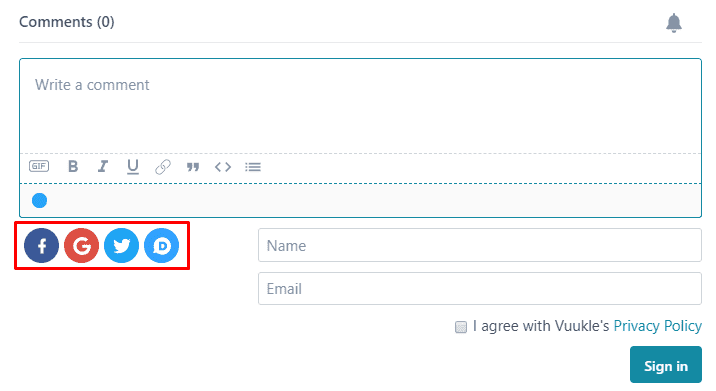
1. Log in to your Vuukle account
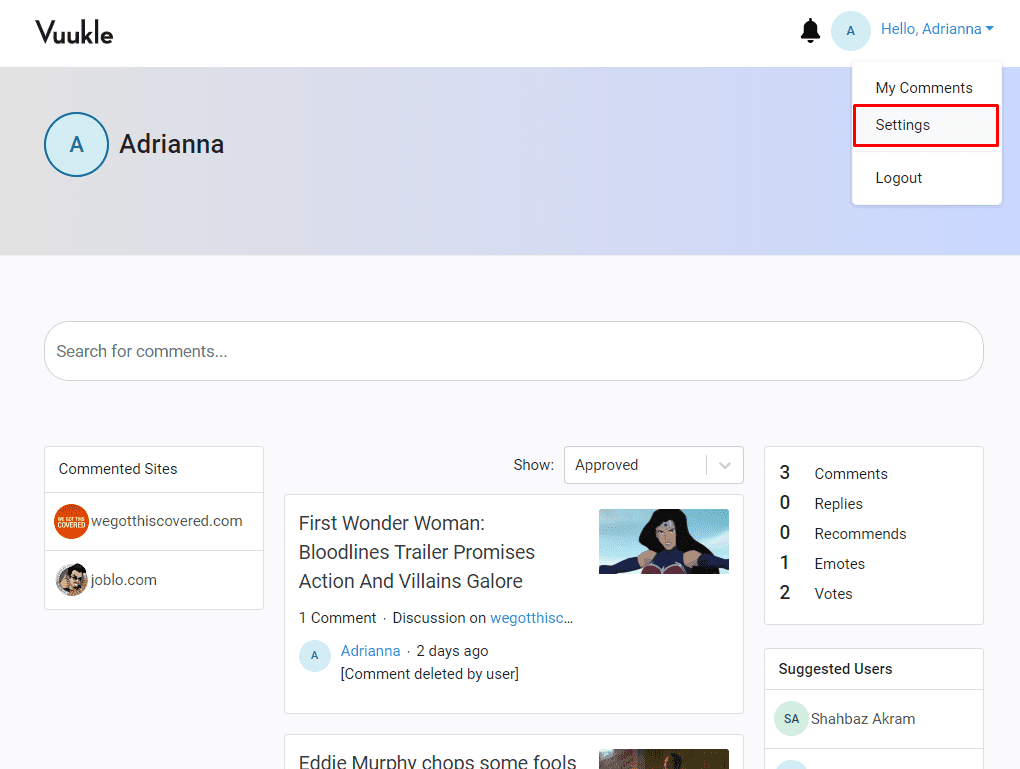
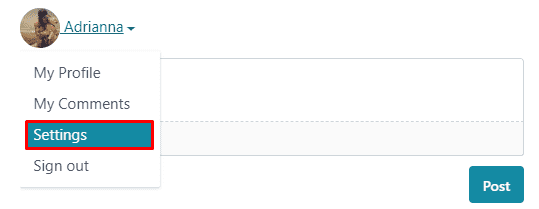
- Select “Settings” from the Avatar dropdown at the top right corner of the page
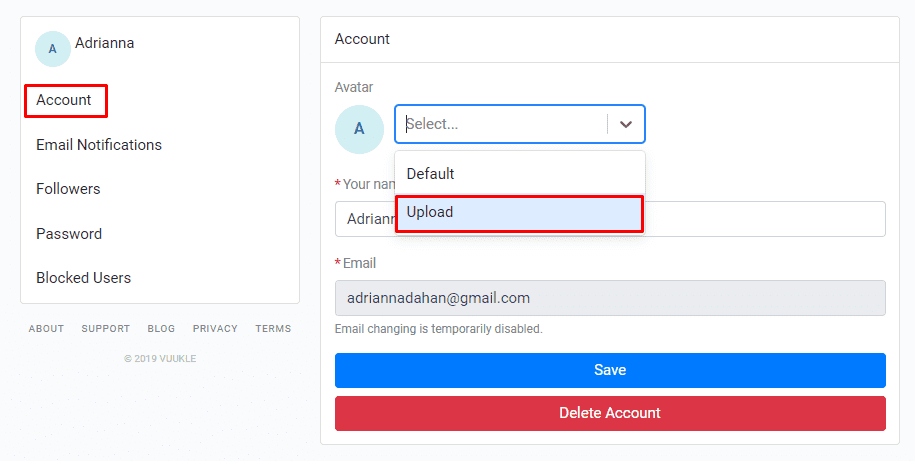
- Click the “Account” tab from the left hand panel
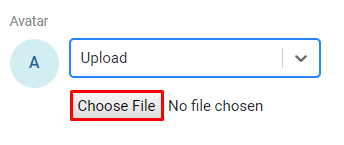
- Select “Upload” from the Avatar dropdown
Alternatively, you can also access your account through the comment widget.
Related Articles:
- How do I log in to my commenter account?
- How can I log in to my account if I signed up from the comment widget without a password?
2. Upload an Image
Click “Choose file” then select an image from your computer. Supported file formats are: png, jpg, jpeg
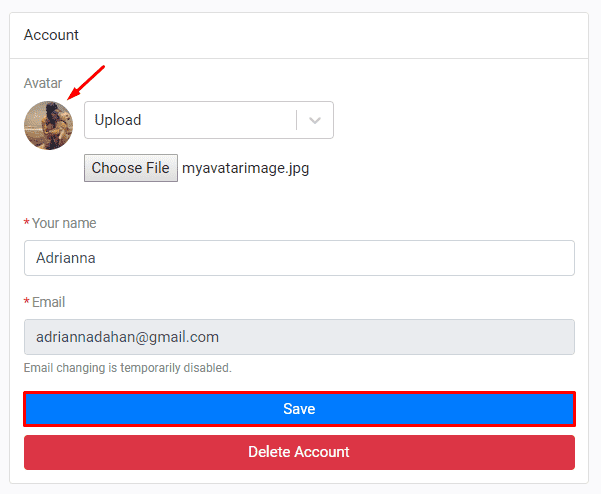
3. Click SAVE
That’s it! You’re all set!