Need help with Vuukle?🤔
This is the place you are looking for!
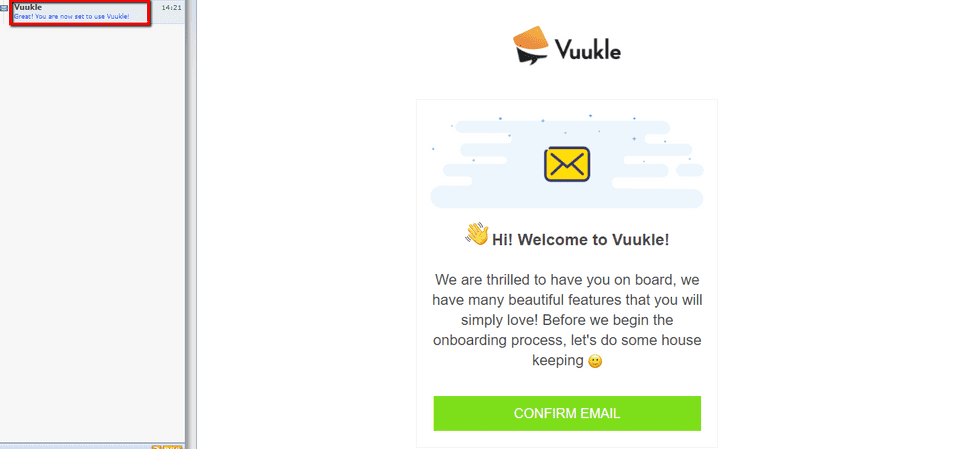
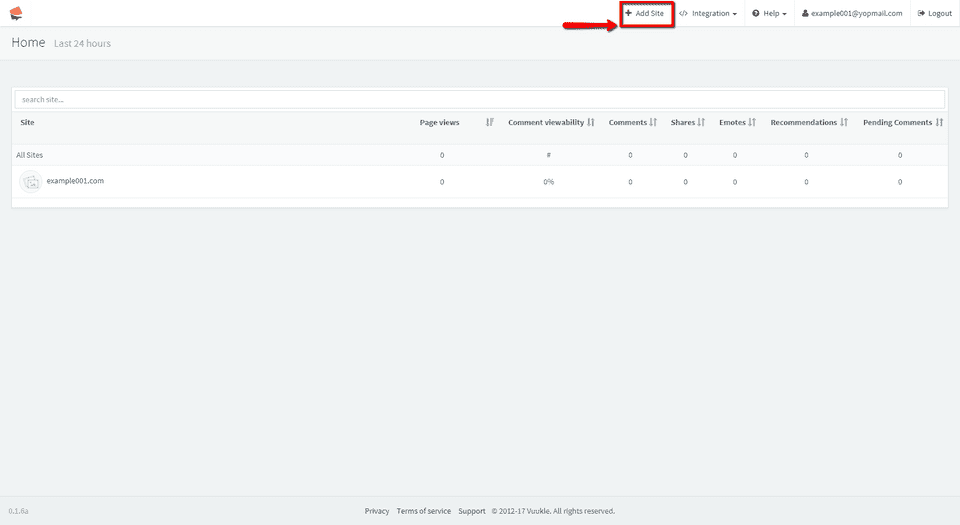
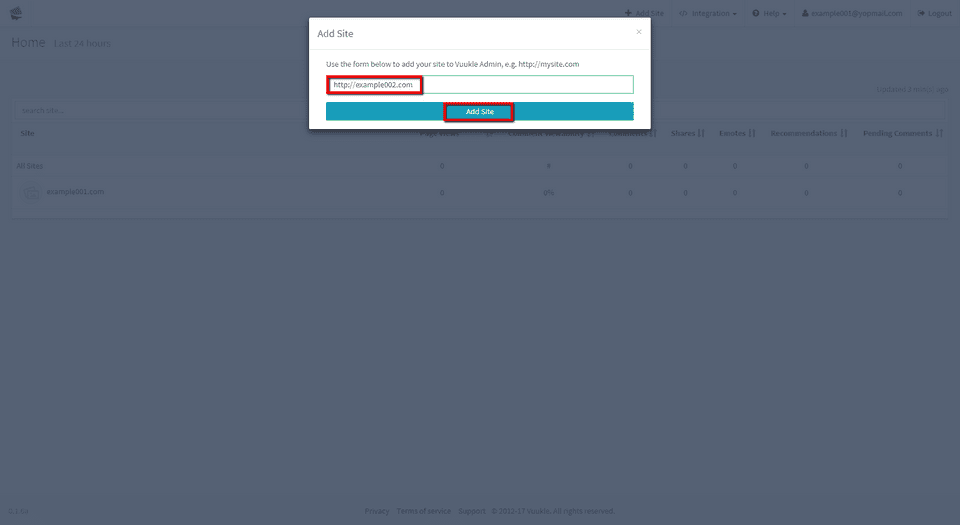
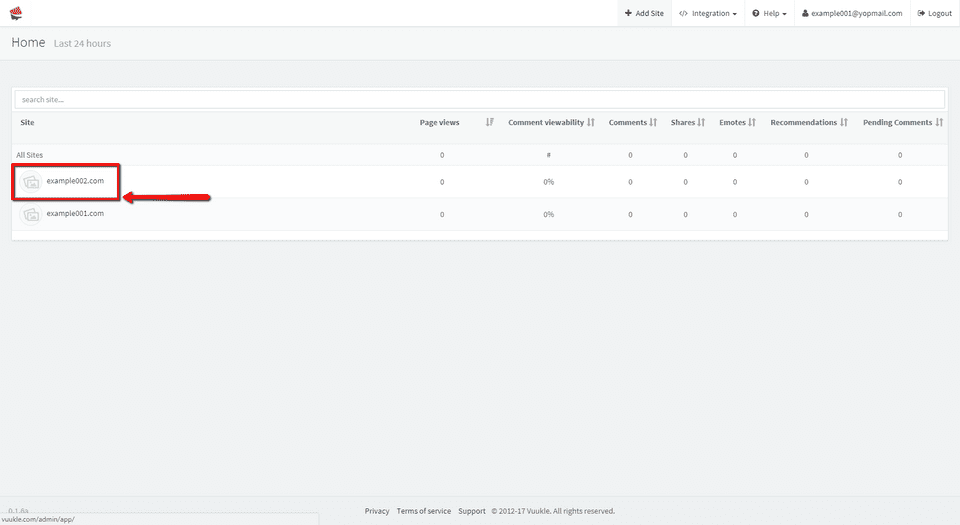
If you want to add new site to your account, click on Add Site, enter your site address including prefix “https://”, click Add Site. After that you will see this site in sites list, and you will receive confirmation email.
Add new site to my Vuukle account – Step by step instructions with screenshots
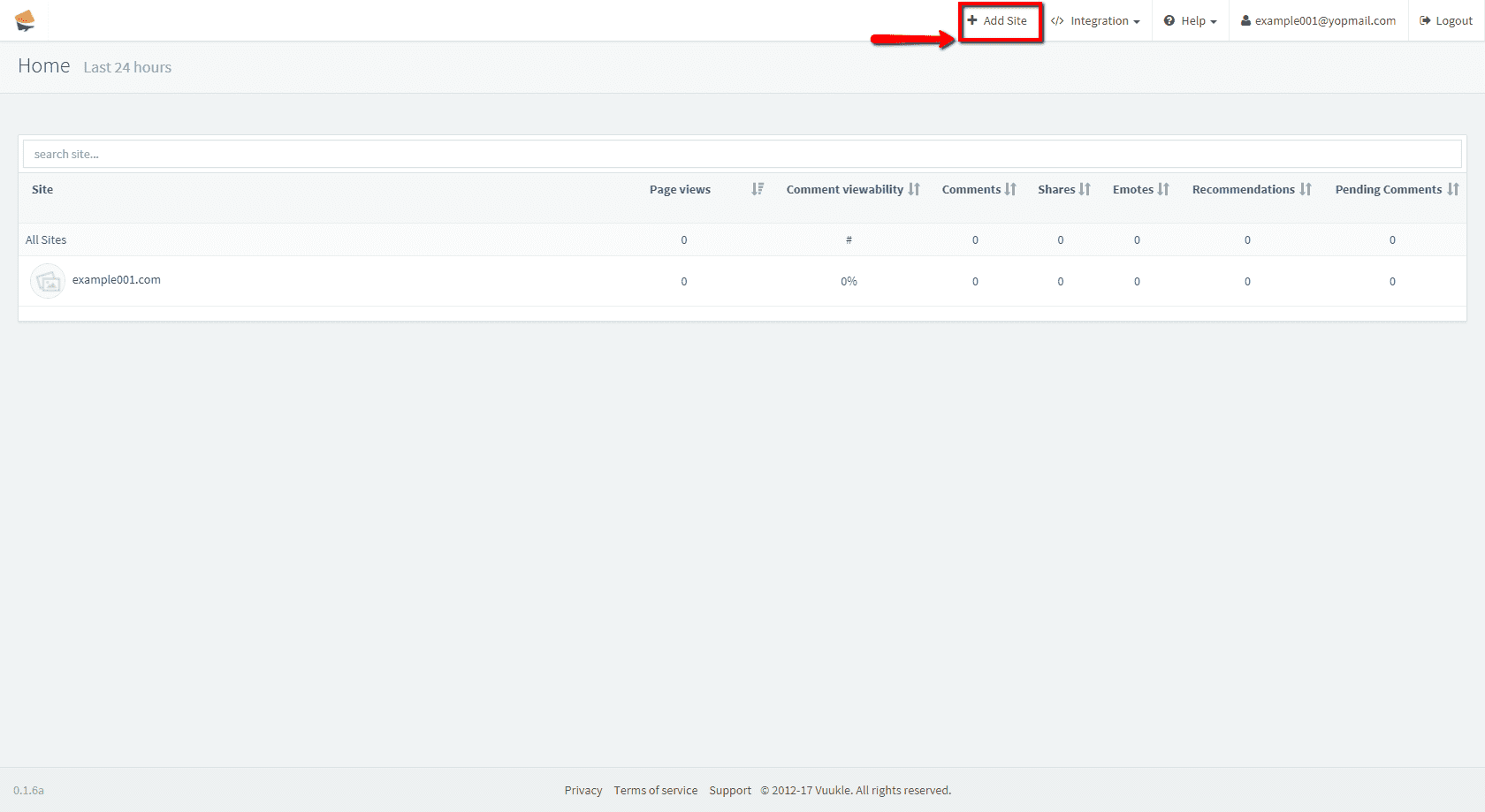
- Click on Add Site in upper right side of the screen
- Enter your site address including prefix “http://” and click Add Site.
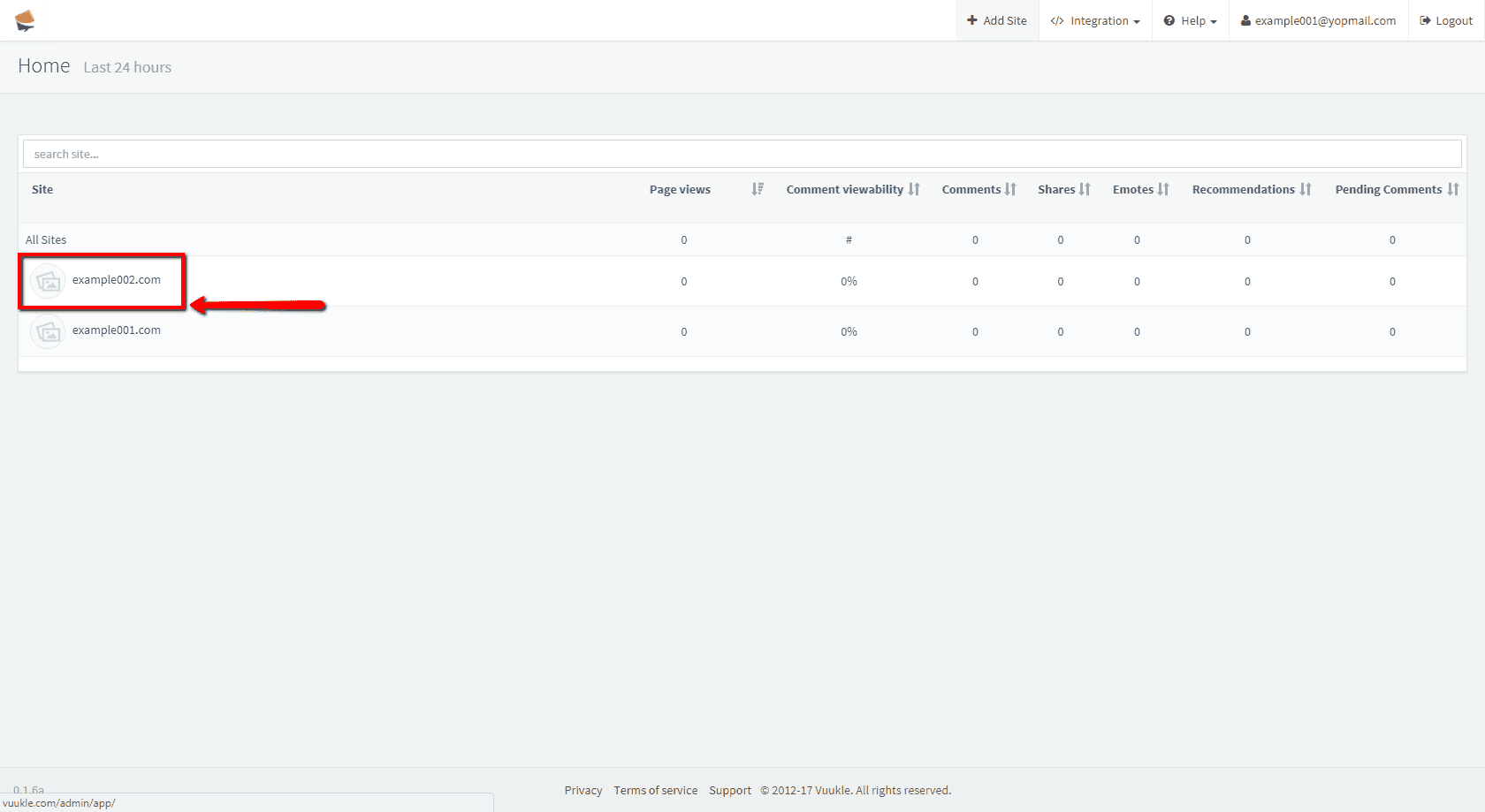
- You can now see your new site in the list
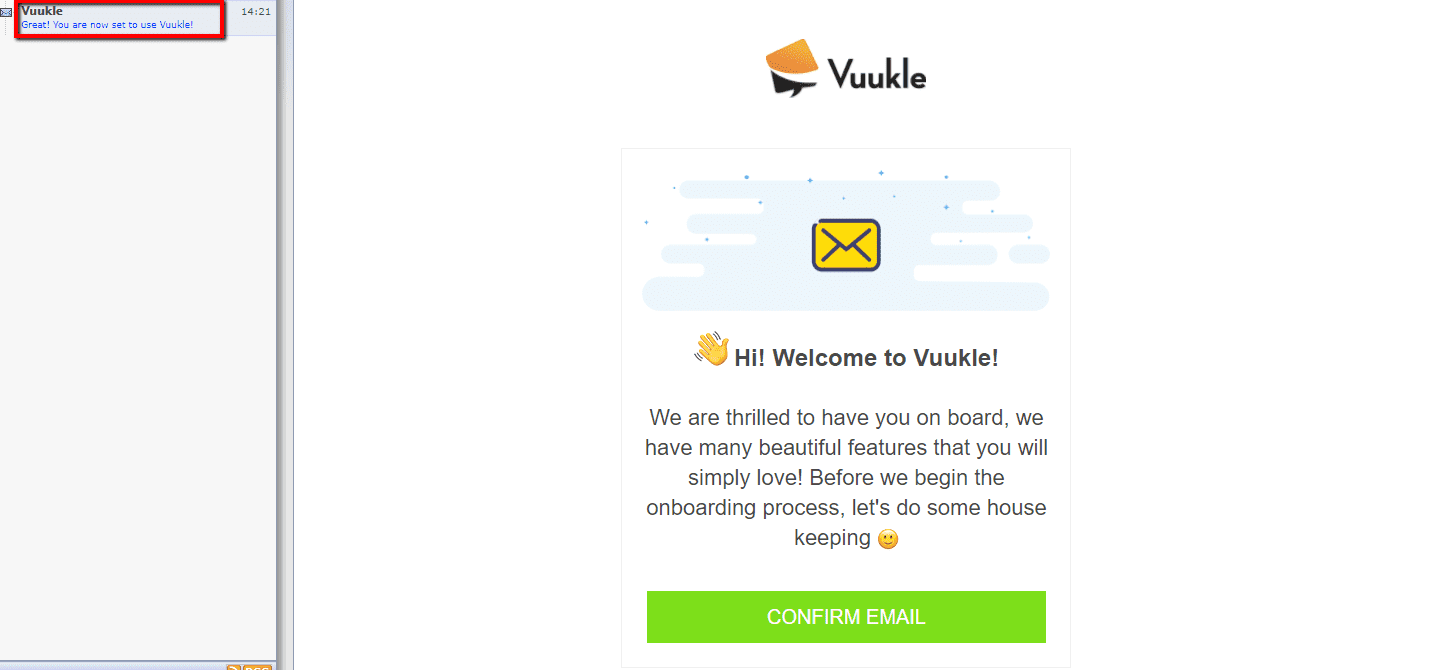
- Check confirmation email