Need help with Vuukle?🤔
This is the place you are looking for!
When you block a user, comments, replies, or other actions from the user will be hidden from you.
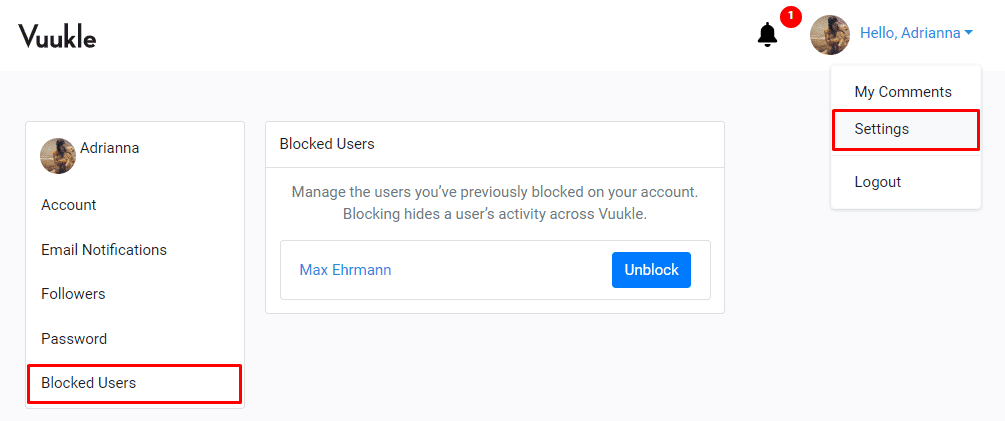
To view a list of people you have blocked,
- Log in to your Vuukle account
- Select “Settings” from the avatar dropdown at the top right corner of the screen
- Click the “Block Users” tab from the left hand panel
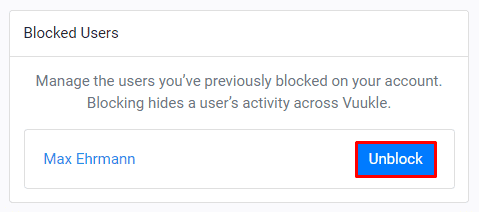
To stop blocking someone, click the “Unblock” button
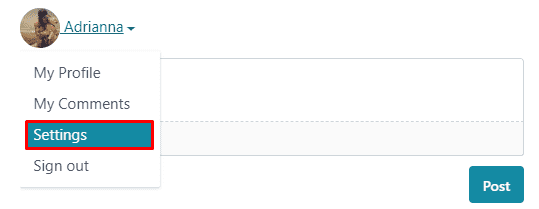
Alternatively, you can log in through the comment widget to access your settings.
Related Articles: