Need help with Vuukle?🤔
This is the place you are looking for!
You can share your own or someone else’s comment on Facebook, Twitter, Email, or simply copy the comment URL
- Click “Share” on the comment you want to share
- Select how you want to share the comment

Share a Comment on Facebook
- Click the Facebook icon
- Select a posting option (newsfeed or stories)
- Click “Post to Facebook”

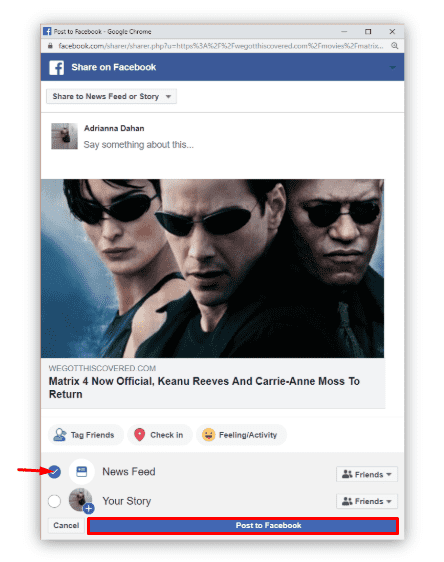
When someone clicks the post, the website loads directly to the comment you shared

Share a Comment on Twitter
- Click the Twitter icon
- Click “Tweet” to post it

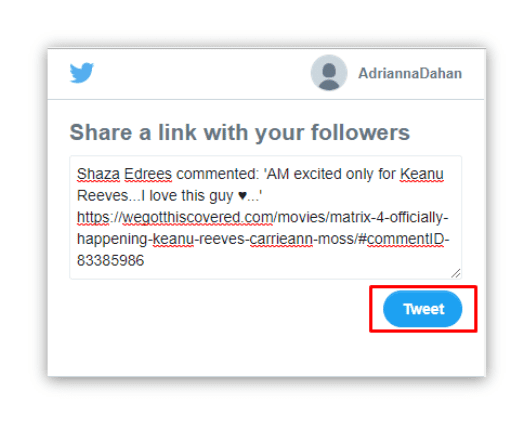
When someone clicks on the tweet, the website loads directly to the comment you shared

Share a Comment by Copying a Link
- Click the Link icon
- Copy the link / URL from the pop-up window
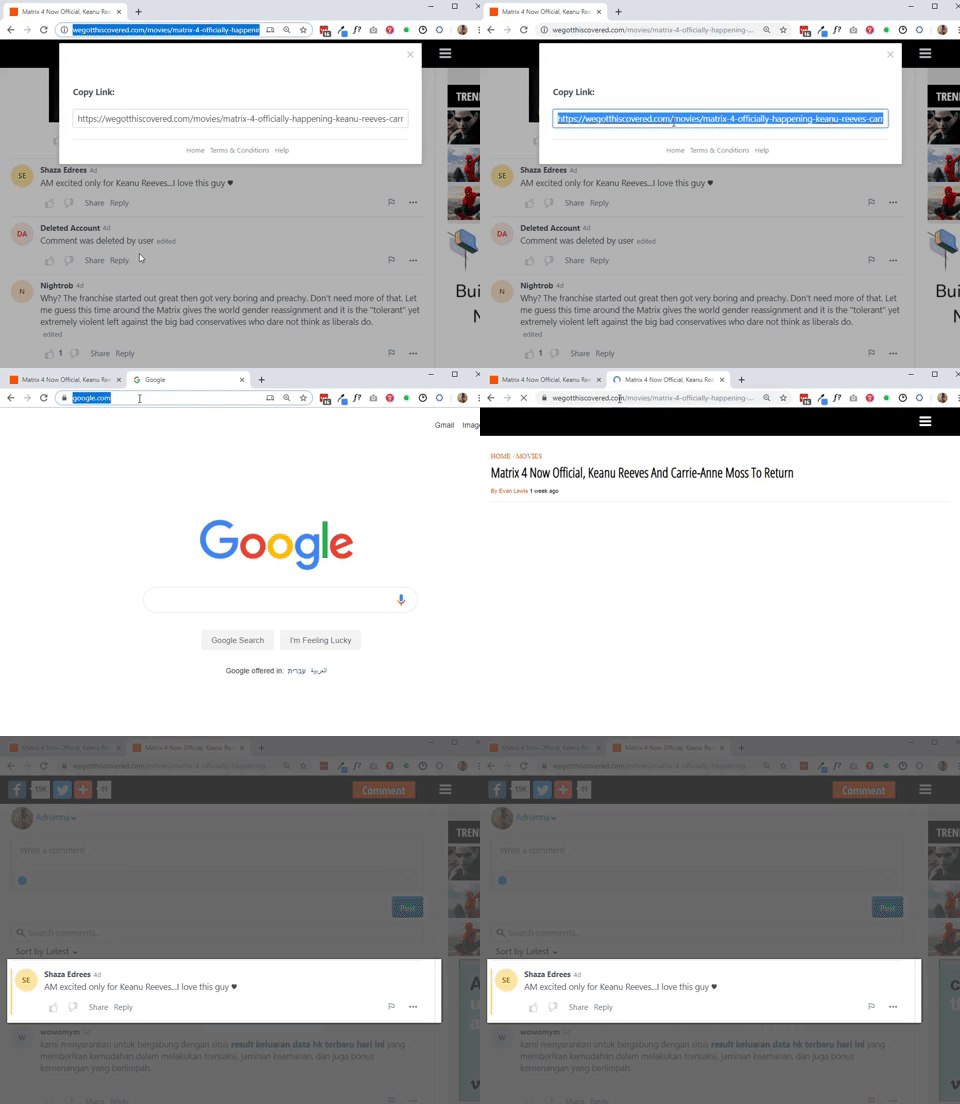
- Paste the URL on a browser

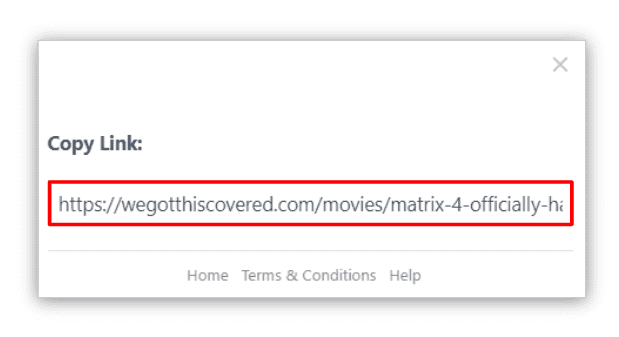
When people access the copied URL, the website loads directly to the comment you shared.